



What is Wi-Fi calling and how does it work?
What it is, what you need and how to turn it on.
Short answer
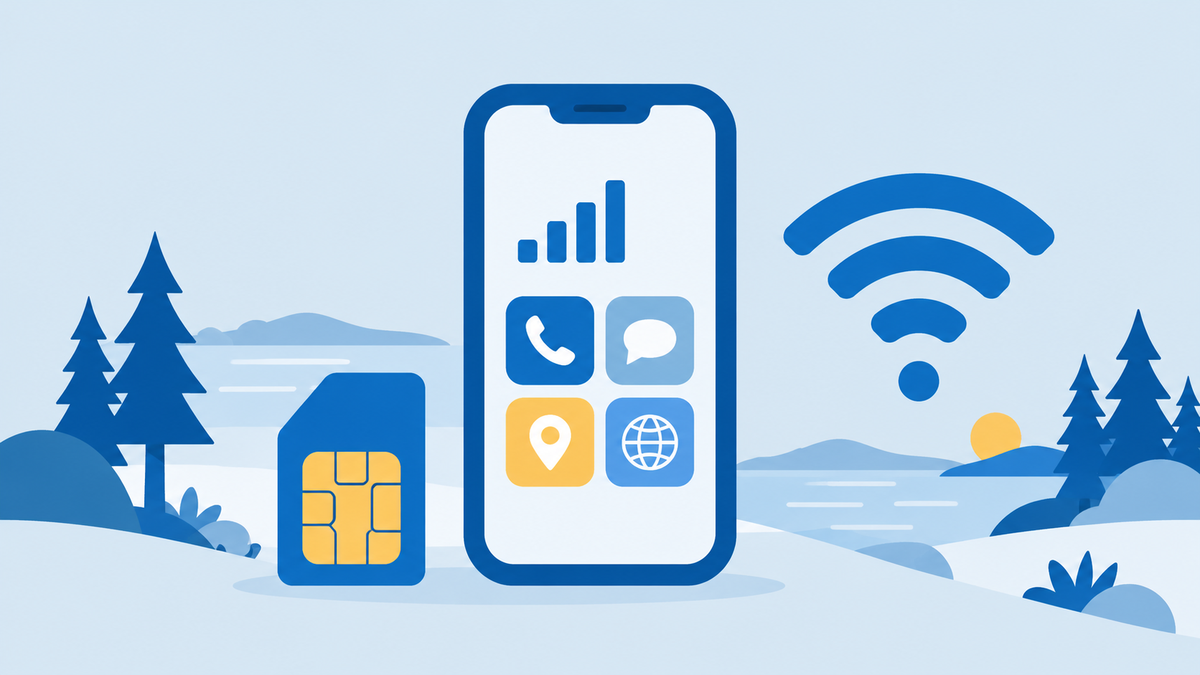
Wi-Fi calling lets your phone make and receive normal calls over a Wi-Fi connection when mobile coverage is weak, if your operator and phone support it. Tele2 says the service has no extra charge and no data is billed, and an iPhone shows Wi-Fi in the status bar when it is available.
Why
- Samsung says Wi-Fi calling needs a phone connected to a Wi-Fi network with an active SIM card, and an operator that supports the feature.
- According to Apple, Wi-Fi calling is for when you have poor or no mobile coverage, and when it is available the status bar shows Wi-Fi.
- Tele2 says phones made after 2019 support Wi-Fi calling as standard, and that calls are priced like regular calls.
Details
On an iPhone you turn it on in Settings, under Mobile service and Wi-Fi Calling. On a Samsung Galaxy you open the Phone app, tap the three-dot icon, open Settings and switch on Wi-Fi calling. Apple says emergency calls can go over Wi-Fi calling if you have no mobile coverage, see the emergency number in Sweden. Operators are listed under telecom and internet providers in Stockholm.
Tip
Turn the feature on at home and check that Wi-Fi appears in the status bar before you rely on it. An older phone may not support it, so check with your operator.
What may differ
Support depends on operator and phone: Samsung notes the feature is not available in some countries, and Tele2's page does not say whether Wi-Fi calling works abroad. A visitor with a foreign SIM depends on the home operator's support.
Common misconception
Wi-Fi calling uses up your mobile data and costs extra.
What actually happens
Tele2 says there is no extra charge for the service itself and no data traffic is billed, and that calls are priced like regular calls.
People also ask
- How does Wi-Fi calling work?
- Why does my iPhone say Wi-Fi calling?
Sources
- Samsung: Wi-Fi calling on GalaxyChecked at:
- Apple Support: Wi-Fi callingChecked at:
- Tele2: Wi-Fi callingChecked at:
Information checked on 28 October 2026.
Telecom and internet providers in StockholmRelated questions
-
How do you remove your phone number from MrKoll and Hitta?
You can remove your listing on Hitta with its Ta bort function, but MrKoll says it usually does not delete published information.
-
Is there free Wi-Fi in Sweden?
Yes, Visit Stockholm lists free Wi-Fi at all public libraries in Stockholm, at Stockholm Central Station and for three hours at Arlanda Airport.
-
Can you use your phone in Sweden without extra roaming charges?
Visitors with a plan from an EU or EEA country pay their home prices for calls, texts and data in Sweden under the EU roaming rules.
-
Where can you buy an eSIM for Sweden?
You can get an eSIM for Sweden from Swedish operators such as Comviq, Hallon and Lyca Mobile or from travel eSIM sellers such as Airalo.