



Free checklist for restaurants and cafés: your Google Maps profile in 25 minutes a week
Share
Save
More and more guests in Stockholm, Gothenburg, Malmö and Uppsala choose where to eat straight from Google Maps: they check opening hours, food photos and fresh reviews. If your profile shows an old menu or wrong hours, they move on to the place next door within seconds. We have put the whole profile routine into one free PDF.
Download the free checklist for restaurants and cafés (PDF)
What is inside
- A weekly routine of 20–30 minutes: opening hours, 3–5 fresh photos, one post, replies to new reviews.
- A monthly check: menu and prices, booking and delivery links, profile performance, a comparison with your three nearest competitors.
- Ready-made post topics and two review reply templates.
- A short cheat sheet on helping AI search tools (ChatGPT, Gemini, Perplexity) understand your venue.
Where guests get lost
Usually it is not about advertising but about small things: holiday hours missing, old photos, reviews without a reply. Google itself recommends keeping profile information up to date and replying to reviews. In our experience*, venues that update their profile every week get more calls and direction requests than similar venues with a forgotten profile.
The checklist removes the “what do I do today” question: print it and hand it to your manager. Download the PDF for free.
Who it is for
Restaurants, cafés, coffee shops, bakeries, bars and delis. No sign-up is needed to download.
Want a specialist to look at your profile? On the guide page you can request a free profile review from Madloba Consult. Stories from practice are in our case studies.
Stories from practice
How it went for similar businesses:
- Family restaurant: stories about dishes, fifty posts and a friendship that blurred the lines
- Coffee shop: opening at eight, nine cups and the tenth free, a failed barista course
Frequently asked questions
How do I show a lunch break or holiday hours on Google?
You can add two time ranges for one day to show a break, and set special hours for holidays and other dates, so customers see the right hours on Maps. Read more in the knowledge base.
Can guests order from my Google profile?
Eligible restaurants can add order links and choose a preferred delivery provider in the profile, so the order button leads where you want. Read more in the knowledge base.
Can I ask only happy customers for a review?
No. Google’s rules do not allow asking only satisfied customers for reviews: ask every customer in the same way. Read more in the knowledge base.
Other free checklists
- All free guides
- Checklist for hotels and guesthouses
- Checklist for dental practices
- Checklist for beauty salons
- Checklist for trades and home services
- Checklist for local shops
Tell us in the comments what makes your profile hard to keep up, and we will cover it in the next guide. If this checklist is useful, share it with a colleague or save this page.
* Where we say “in our experience”, this is what we have seen on our clients’ profiles, not a Google rule. Google does not disclose its algorithms, and we may be wrong.
Share
Save
Read also
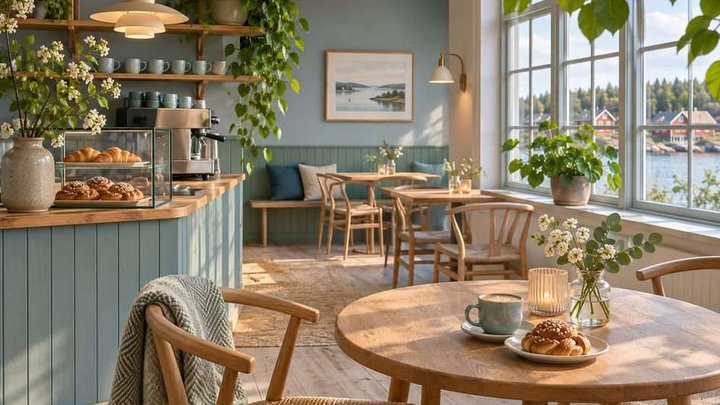
Running a café in Sweden: how guests find you, and what you may post
How guests find a café in Sweden and what you may post: opening hours, menu, photos, reviews, allergen information and the alcohol marketing rules.
Local marketing and GEO for restaurants in Sweden
How a restaurant or cafe in Sweden becomes easy to find and recommend, including in ChatGPT answers. Five steps and a client case. No promises of a place.
0 comments
Log in to leave a comment